
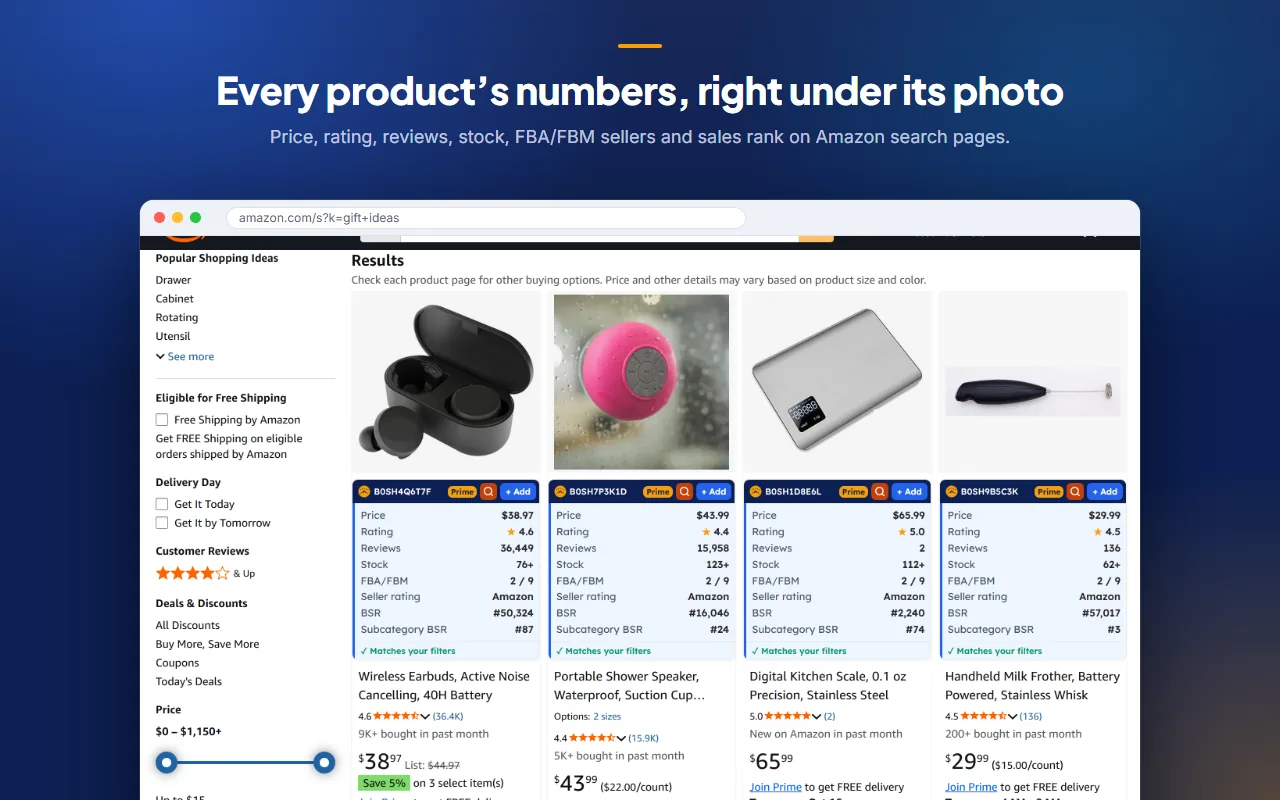
Every product's figures under its photo
On search results, Best Sellers lists and product pages, SellerHill shows each product's price, rating, reviews, stock, FBA and FBM sellers, seller rating and sales rank.
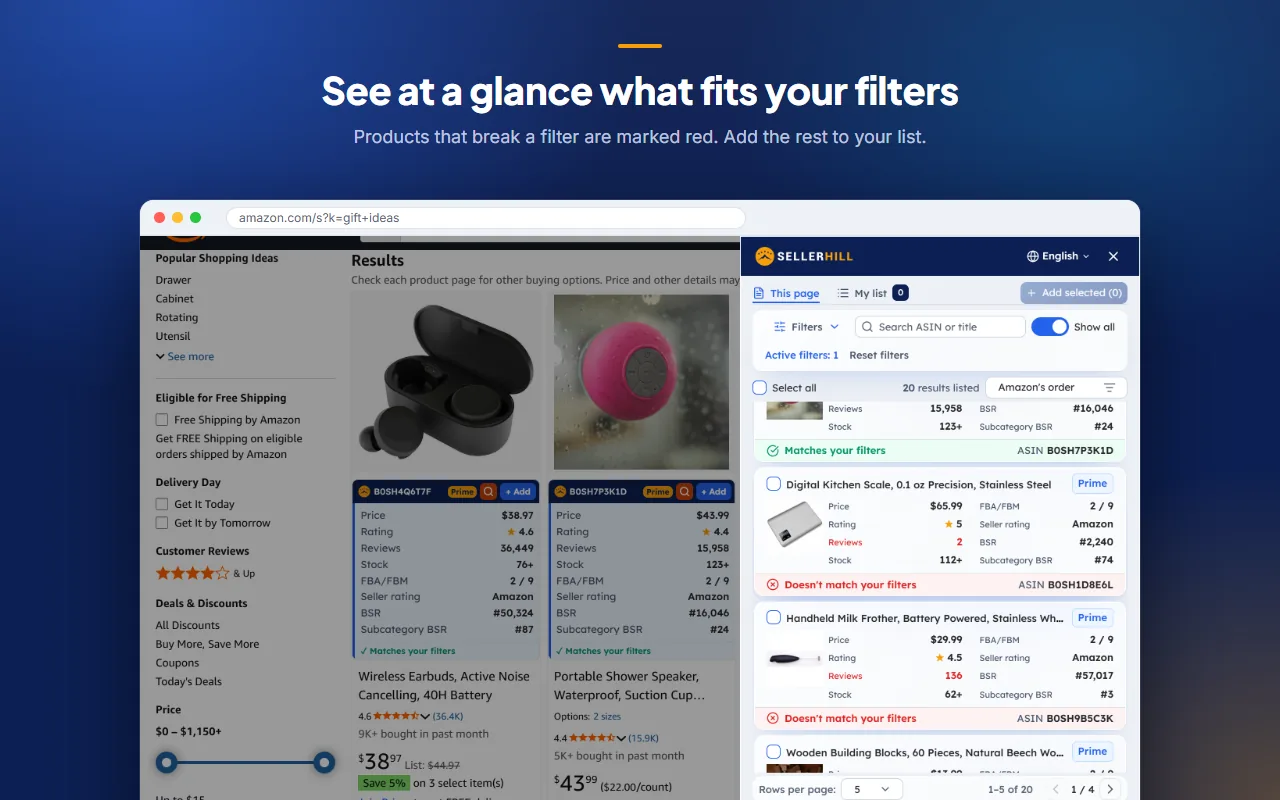
- Set your own filters: price, rating, reviews, stock, Buy Box, Prime, sales rank and words to avoid.
- A figure that breaks one of your filters turns red, so a weak product stands out.
- Add the products you like to your list, download it as CSV or send it to SellerHill.
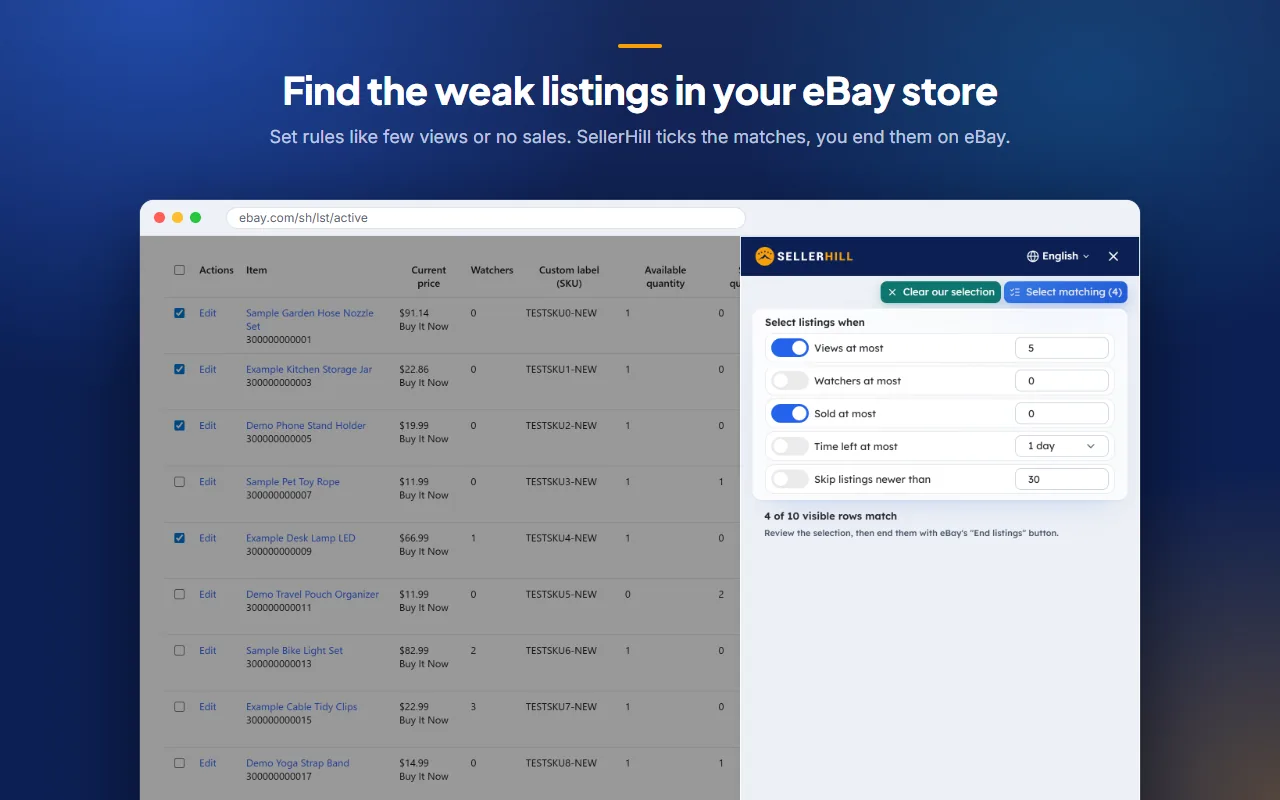
Find the listings that do not sell
Set rules such as few views, no watchers or no sales. SellerHill ticks the matching listings on your Active listings page.
- You check the selection and end the listings with eBay's own button.
- A listing that has sold is never ticked unless you change that rule.
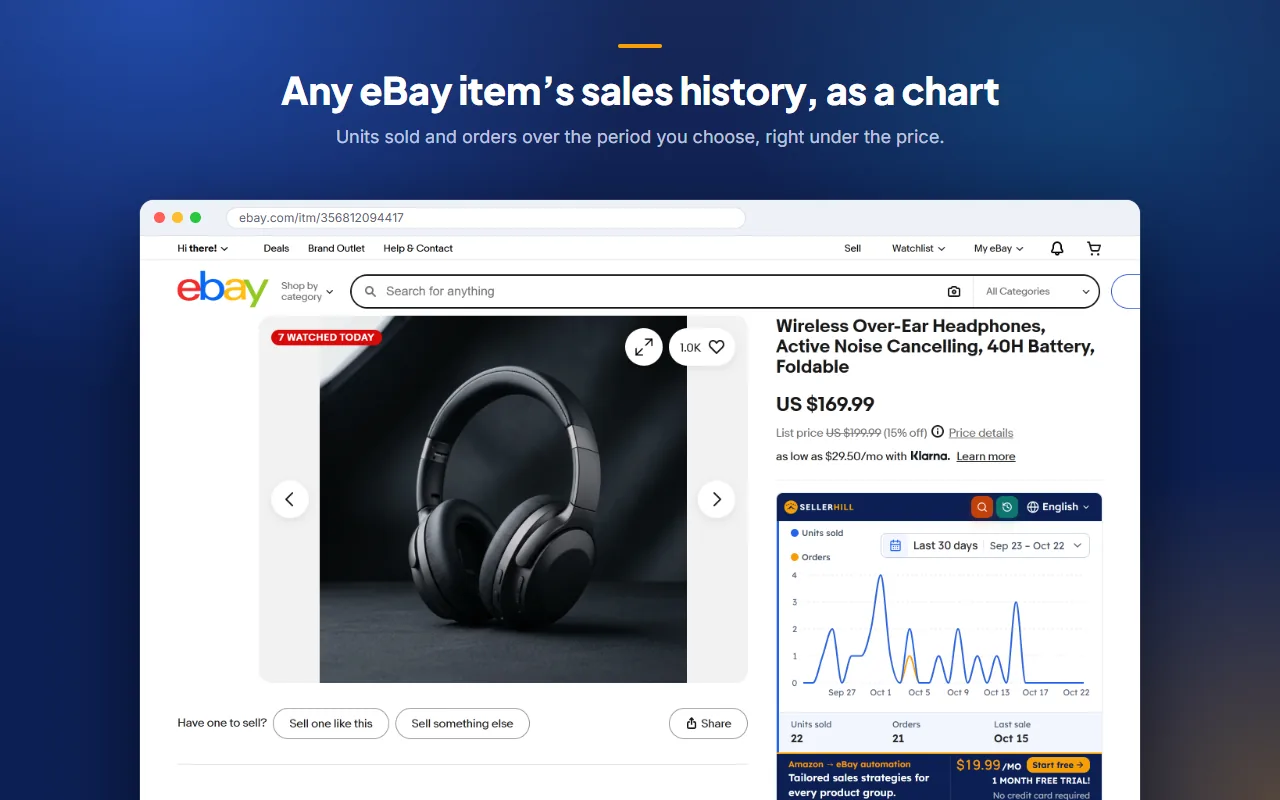
An item's sales history as a chart
Right under the price, SellerHill charts the units sold and the orders over a period you choose.
- Search the same item on Amazon.
- Open eBay's own sales history page.
Your data stays on your computer
Your list and settings stay in your browser. As product data, only the ASINs you send reach SellerHill, and only when you press Send. The extension never reads your passwords.
How the extension handles dataLet SellerHill do this for every listing
SellerHill prices every Amazon to eBay listing with your margin, checks price and stock 4 times a day and orders from Amazon when an item sells.
Frequently asked questions
Yes. You add it from the Chrome Web Store for free, and its tools need no SellerHill account or plan.
No. It only ticks the listings that match your rules. You review them and end them yourself with eBay's own button.
Only the Amazon product IDs (ASINs) you choose, and only when you press Send. They open in SellerHill's Add listings form, where you decide what to list.
On Amazon.com: search results, Best Sellers lists, store and product pages. On eBay: your Seller Hub Active listings page and item pages.
Google Chrome on a computer.